
The useful starting points
- Start with one repeatable workflow and keep a named person responsible.
- A contact button, a booking link and an automated workflow do different jobs.
- Test incomplete requests, duplicates and failed handovers as well as the ideal journey.
What makes a good first automation?
A good candidate happens often enough to matter, follows recognisable steps and has a useful outcome you can check. For a Northern Ireland trades business, that could be collecting a job type and location before a callback. For a showroom, it could be passing a website quote request to the person who handles estimates.
Start by writing the current steps down. If nobody is responsible for the next action, automating the earlier steps will not fix the gap. Agree the owner before introducing a tool.
If you are unsure which task deserves attention, AI business consultancy can help compare the options. Our automation service puts an agreed workflow into practice around supported systems.
Three workflows worth assessing
1. Organise website quote requests
Collect the service, a short description and a reply address, then pass those details to the agreed destination. An AI step could help summarise a longer message for your team. Pricing and acceptance of the work can remain with a person.
2. Handle a missed-call follow-up
A supported phone setup may allow an approved acknowledgement and a request for callback details. Check the provider and message requirements first. The workflow needs a person to return the call; an acknowledgement is not a completed enquiry.
3. Request feedback after completed work
An agreed completion step can prompt an honest review request through a suitable customer communication channel. Use the correct review link and avoid sending the same request repeatedly. Our Google reviews guide covers the customer-facing process.
Map the handover before the build
Use these five headings to describe the first workflow. They make a useful brief for your team or your automation provider.
- Trigger: what starts the process, such as a submitted enquiry.
- Information: the details needed, such as the service, area and contact method.
- Action: what may happen automatically, using approved information.
- Owner: who receives the request and handles exceptions.
- Completion: how the team knows the handover arrived and the next step happened.
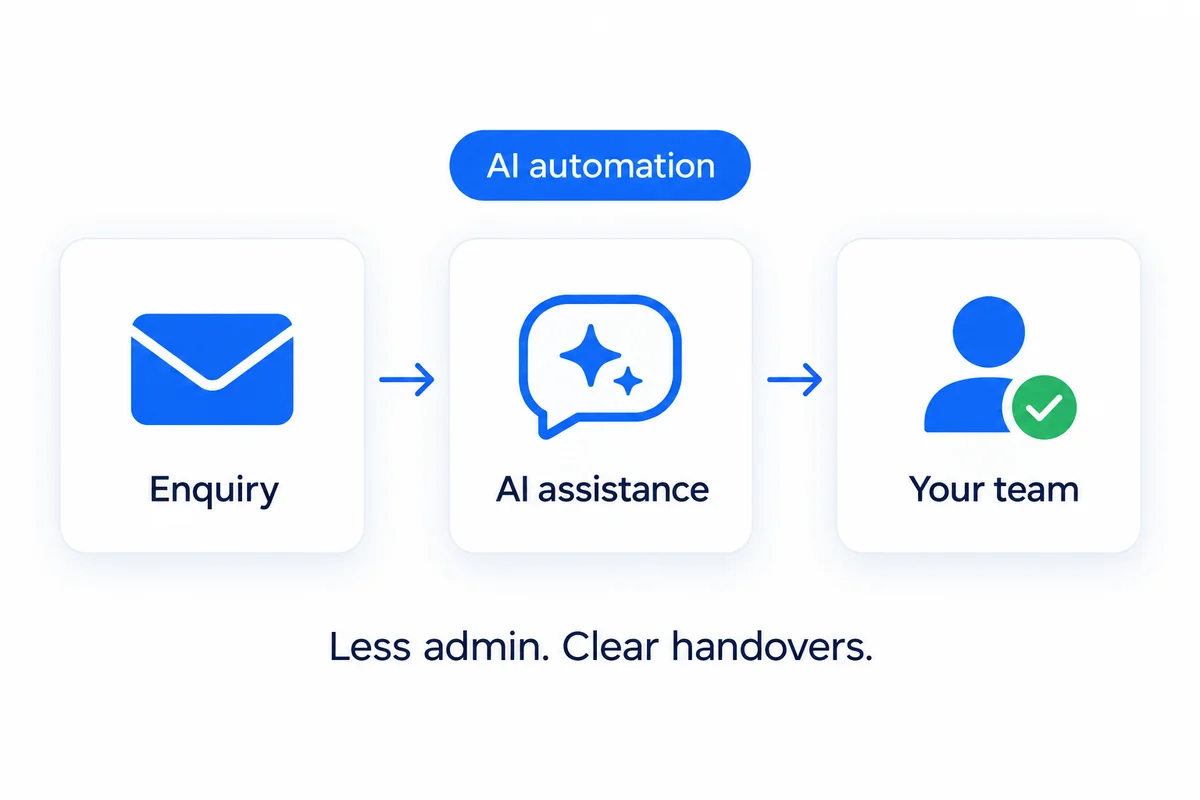
For a flooring enquiry, the workflow might collect the room or flooring type and location, acknowledge receipt, and send the request to the quote handler. It should not invent a fitting price or confirm an installation date. This is an example of a process to scope, rather than a claim about an existing client’s automation.
Can it work with your existing website and tools?
Often the starting point is what you already use, but the exact connection needs checking. Your phone provider, booking platform, inbox or messaging account may have requirements, limits or additional fees.
A WhatsApp button opens a conversation; it does not create an AI assistant. A link to a booking platform can be useful without synchronising calendars or managing appointments. Ask exactly what information moves between systems and what still requires a person.
There is no need to replace a working website just to discuss an automation. Send the site address and tool names first so the options can be assessed.
Check the awkward cases as well as the easy one
Before a workflow goes live, agree what should happen when a request is incomplete, arrives twice, asks a question outside the approved information or cannot reach the destination. Your team needs a clear way to notice a failed step and continue manually.
For AI-generated replies, decide which messages can be sent automatically and which need review. Keep quotes, promises and exceptions with the appropriate person. The handover should make it easy for a customer to continue the conversation with your business.
After setup, review a suitable sample of completed journeys. Look at whether the details arrived, how much manual effort remained and whether customers still needed to repeat themselves.
What does small-business AI automation cost?
JT’s published AI-only options start from £299 setup plus £99 per month. See the current automation packages for the stated inclusions. A bespoke workflow needs its own agreed scope, including provider costs, usage allowances and support.
Compare that cost with a realistic view of the task. Count how often it happens and the time spent handling it. Do not assume every saved minute becomes additional revenue. A simpler form, clearer instructions or a direct booking link may be the right first improvement.
Which repeated task would you like to simplify?
Send JT a plain description of the task, your current tools and where the process gets stuck. Jack and Tom will help you choose a sensible starting point. The first conversation is free.