
The useful starting points
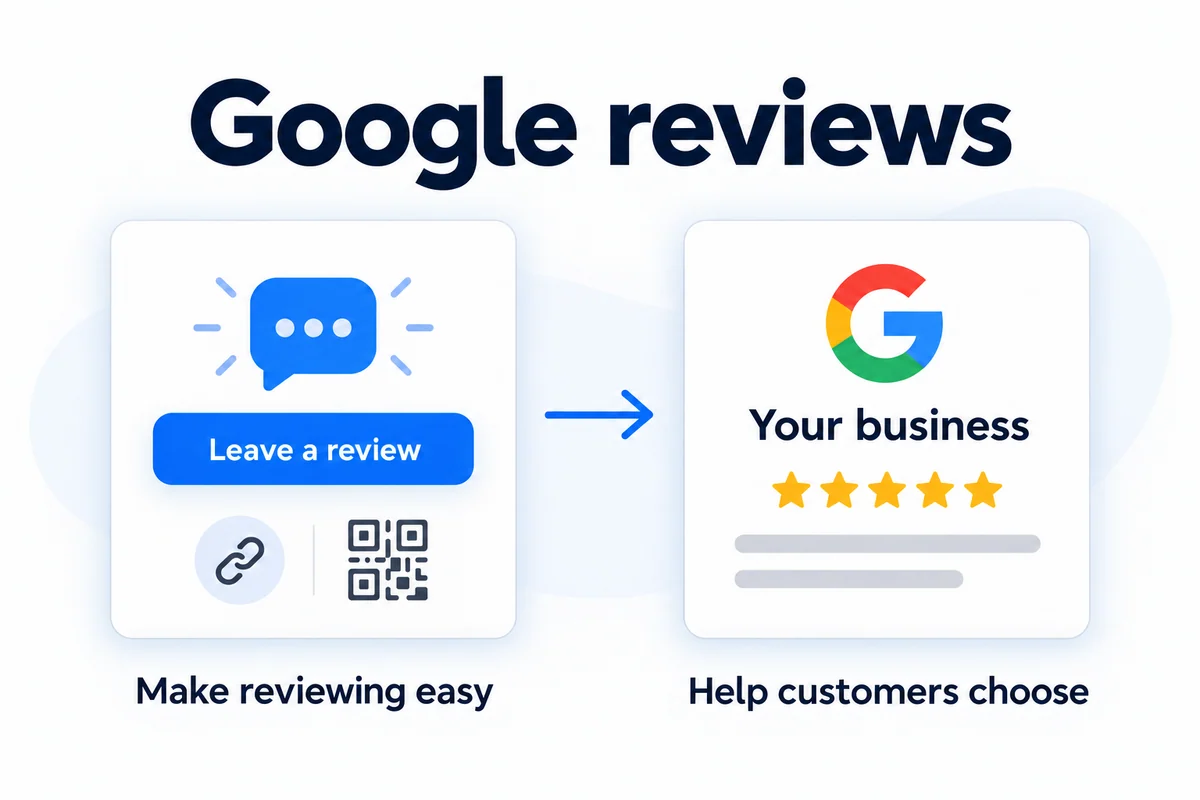
- Invite honest feedback from genuine customers after completed work.
- Give customers a direct review link or QR code and keep the request simple.
- Track the request process separately from reviews actually published.
Why do Google reviews matter to a local business?
When a potential customer compares two businesses, specific feedback can help them understand what the experience might be like. For a Northern Ireland tradesperson, showroom or appointment-based service, that context can support the decision to call, visit or request a quote.
Google reviews are shown with a Business Profile in Search and Maps. They sit alongside practical details such as the business website and contact information. Reviews support trust, but your site still needs to explain the service and make the next step clear.
Read Google’s guidance on getting customer reviews. The useful goal is feedback from real experiences, expressed in each customer’s own words.
Get a direct Google review link or QR code
Use the Google account that manages the correct Business Profile. In the profile’s review area, choose Read reviews, then Get more reviews. Copy the review link or save the QR code offered there. Google’s review link and QR instructions show the current steps.
Check the destination before printing anything: it should open the review request for the correct business and location. Test the code on a phone, at the printed size and under normal lighting. Customers will need to be signed in to a Google account to post.
A useful first placement might be a completion email, a receipt, a counter card or a handover sheet. Choose the place that fits the actual moment the service is complete. Keep the code readable, with enough space around it and a short explanation of what it opens.
Choose a clear point to ask
For a trade, the right point may be after the agreed work is finished and the customer has had the chance to see it. For a showroom, it may be after delivery or fitting. For an appointment-based service, it may be after the appointment through an agreed communication channel.
Write that moment into the process so requests do not depend on somebody remembering at the end of a busy day. Give one person responsibility for the message, printed material or approved automated step. Avoid overlapping requests from several members of the team.
Invite feedback consistently from customers with a real experience. Google’s review content policy rules out incentives, fabricated experiences and selectively asking only for positive reviews. Do not filter customers through a satisfaction question before showing the Google link.
A simple review request you can adapt
Thanks for choosing [business name] for [service]. If you have a moment, we would appreciate an honest Google review of your experience: [review link]. Thank you from [name/team].
Use a short message that sounds like your business. Replace the placeholders, check the link and send it through a suitable customer channel. You do not need to tell someone what rating to choose or provide a review for them to copy.
Make a printed request just as clear: your business name, a short invitation to share the experience and the QR code. Keep sales offers and unrelated links away from that small task.
What should happen after a review arrives?
Set a routine for checking new feedback and replying where helpful. A thoughtful response can acknowledge the experience and show the business is paying attention. If a concern needs a private conversation, give the customer an appropriate way to continue without posting their personal details.
For your own records, distinguish requests sent, link or QR activity and reviews visible on the profile. Someone can open a review link without submitting a review, so a scan count is not a review count.
Review the process as well as the totals. Is the link still correct? Is the printed code easy to scan? Are requests arriving at a sensible point? Is someone responsible for reading and responding to feedback?
How JT can help with Google reviews
We can help you create a straightforward review route, prepare a QR code and plan where the request belongs in your customer journey. If automation is appropriate, we agree the trigger, communication channel and supported systems before setup.
Our Gold website package includes automated customer review requests; Platinum also includes a branded Google review display. Inclusions and provider requirements should be confirmed for your business. You can also discuss review requests as part of local SEO support.
If the wider issue is converting interest into contact, look at the website too. Clear services, genuine project photographs and an easy enquiry route help a visitor act on the trust that customer feedback builds.
Make review requests part of your customer journey.
Tell us how customers buy from you and when a job or appointment is complete. We can discuss a direct review link, a QR code and an agreed request process around your business.